|
help with D2CKey/WiiClip
|
|
|
johnnysu
Suspended permanently

|
17. April 2008 @ 00:31 |
 Link to this message

|
hey everyone, first i want to thank everyone in advance for all the support and help
i have a d2ckey soldered onto a wii clip. now as soon as i connect the wii-clip to the d2cboard, the wii is then unable to read any disc (original or backup), the disc spins fine but the wii won't read it.
any ideas guys?
BTW, wii reads originals fine after removal of wii clip from the board.
INFO:
I checked and made sure no solder splashed onto the D2CKey when i was soldering to the Wii-Clip. I looked very closely to see if I had a solder ball on the IC legs of the D2CKey chip or somewhere else.
I have the JP1 bridged (my console is NTSC)
|
|
Advertisement

|
|
|
|
|
johnnysu
Suspended permanently
|
17. April 2008 @ 09:13 |
Link to this message
|
and BTW modchip is brand new and so is the wii-clip, straight out of packaging, i can see all of the pins.
|
|
brown05
Newbie
|
17. April 2008 @ 12:49 |
Link to this message
|
I have the exact same problem, wii-clip and d2ckey worked great for all of one day and then I left the remote down while i used the bathroom and when i came back the game i was playing had froze. I had the turn the wii off cuz it wouldn't respond and now it doesn't read any disk at all. I haven't taken the mod off to see if that will fix it cuz it just happened like 10 minutes ago. I have to say I'm pretty distraught right now. Please Help!
|
|
johnnysu
Suspended permanently
|
17. April 2008 @ 18:19 |
Link to this message

|
I have good news and bad news, i'll start with the good:
I have successfully booted up backups and originals.
Original Insert: red/blue LED momentarily blink then turns off.
Backup Insert: Red LED stays on while blue LED blinks when reading backup.
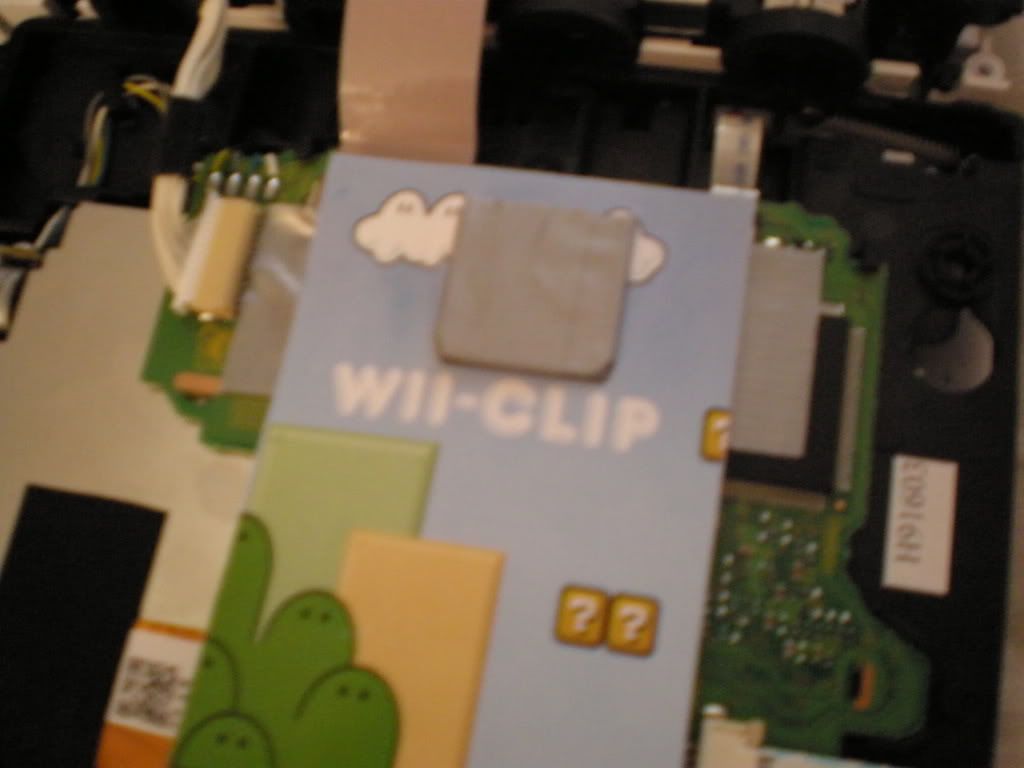
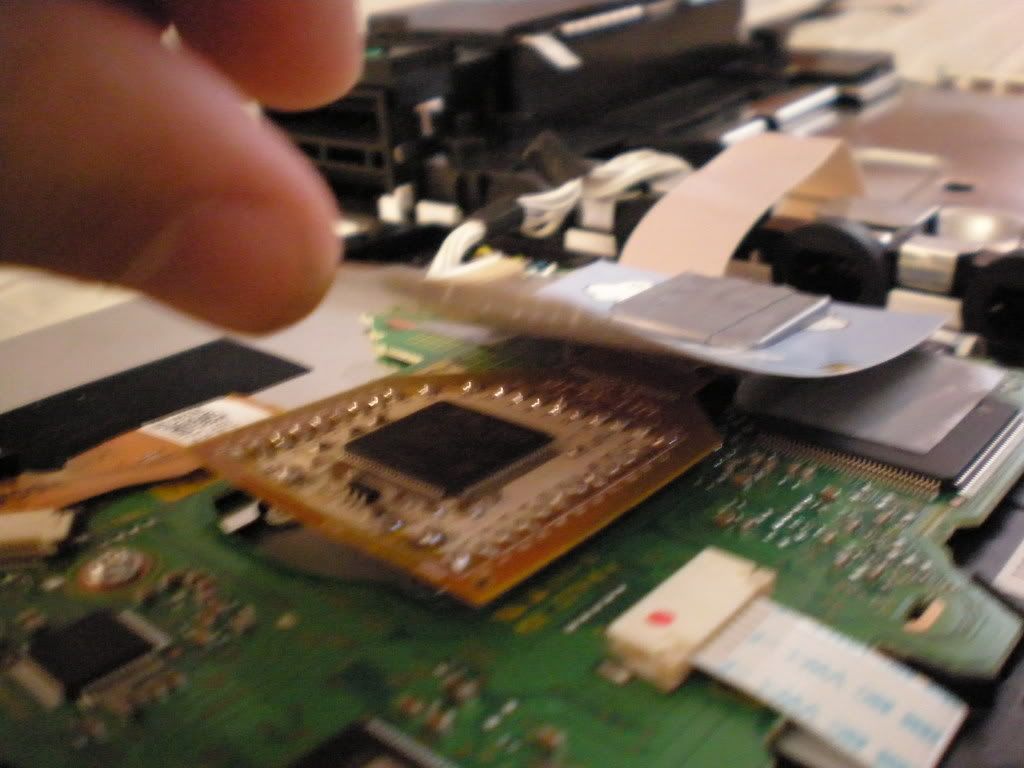
It turned out that some pins under the wii-clip were stuck.
Here are two pictures of the setup:
Bad news:
Originals/Backups only work if the DVD drive is put in this position:
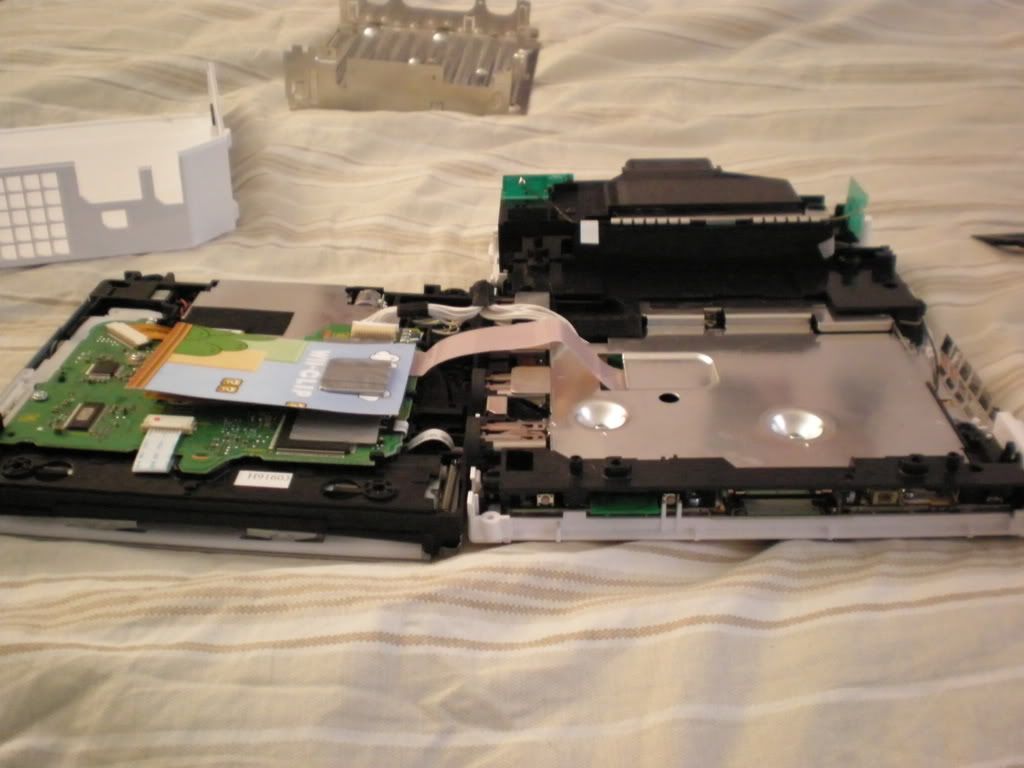
Originals/Backups will NOT wok if i reassemble Wii by placing drive back over the motherboard...???
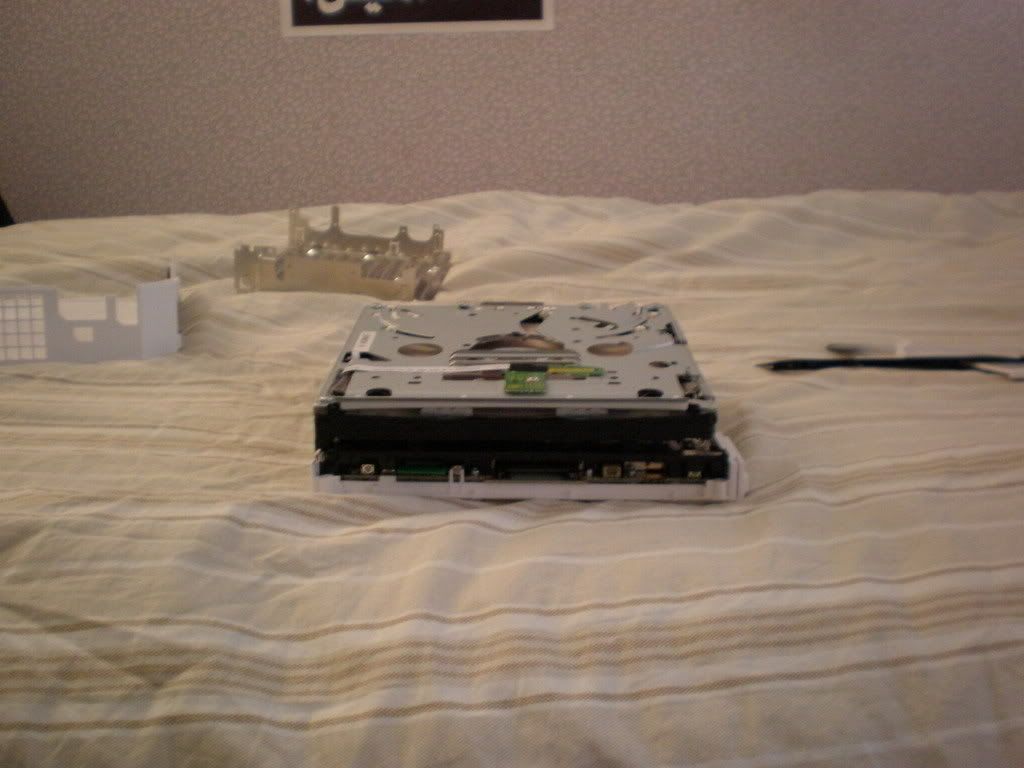
what on earth could this be due to? any ideas?
|
|
luan87us
Member
|
18. April 2008 @ 02:48 |
Link to this message
|
It seen like your chip is shorting the wii board somewhere. Put some electrical tape on the chip to cover it and on the back as well. And make sure you pressed the rubber part firmly on the D2C chip of the wii. It has to go down all the way.
|
|
luan87us
Member
|
18. April 2008 @ 02:50 |
Link to this message
|
|
oops sorry forgot to also mention that make sure your connectors were put back tight and securely.
|
|
brown05
Newbie
|
18. April 2008 @ 02:54 |
Link to this message
|
I did all that and it works fine when my case is off, but when I screw it all down it doesn't want to work. It acts as though it doesn't want to work when the back plate is pressed against it firmly. But it did work like this for a day and half with no problems at all. Has anyone had this problem and resolved it. Also what is the safest way to take off the wii-clip
|
|
raartoot
Member
|
18. April 2008 @ 07:36 |
Link to this message
|
Im having similar problem except soon as the Chip is installed, it wont read any discs, the drive wont spin long enough. Soon as I disconnect the Chip/clip, everything works fine, games work no probs.
I dont get how people are clipping these things in and they are working for them.
Ive bridged JP2 (because I have the UK pal version console but now Ive bridged the JP2, the Red LED doesnt go off when I try a Original or back up game. This Clip is making my Hair grow to fast, stress or what, come on guys, help us out, shed some Light!!!!!!
Raar'n'Toot
|
|
johnnysu
Suspended permanently
|
18. April 2008 @ 09:36 |
Link to this message

|
i tried pushing both ends of the wires in (the ones that connect the drive to the motherboard, but they already seems tight enough, then i tried booting the games in the different positions again with similar results. However, I did try placing a sheet of paper between the drive and the motherboard while in position number 2, and it booted the games up 2 -3 times but then stopped reading the disks again. i'm afraid of removing the wii clip to look at the pins because i;m worried that now that i have it working, i don't want to mess with constantly removing it and clipping it back. and the angle doesn't seem to make a difference because if i hold the drive upside down as it would be while sitting on the motherboard, the wii still plays games. Only when i fold the drive back on the motherboard does it not read anything!...weird indeed..
|
|
SN25P
Newbie
|
18. April 2008 @ 10:49 |
Link to this message
|
|
I had a D2B before and it was moded. It was working fine, until mykids put two disc in it. I had to RMA and they put a D2C. I purchased the D2C with Wiiclip.It woulkd play sometimes and there are time it would not play. I thought it was the drive so I rma it. I got it back last night and still same problems. Sometimes it would play halfway and it will just stop middle of the game. Some of my backup games use to play and now it would not play.. What could be it?
|
|
brown05
Newbie
|
18. April 2008 @ 11:11 |
Link to this message
|
No idea, You were able to RMA? to nintendo or where you bought it? did you have any problems or catch any flak?
|
|
SN25P
Newbie
|
18. April 2008 @ 12:51 |
Link to this message
|
The first time I RMA it. I had my friend take out the wii key. They replaced the drive with a D2C. I got it back and I was getting some disc error with the new D2CKey and wii clip so I thought it was the Drive. I RMA it and they sent it back with a new drive. Should I just take off the wii clip and install the chip with wires? Also some of my games are working and some are not. I have a Pioneer 111 and using image burn. The games already came in an ISO file. am I doing somehting wrong> Ive use verbatrim and HP dvd-r. All of this games worked on my D2B drive
|
|
johnnysu
Suspended permanently
|
18. April 2008 @ 16:18 |
Link to this message
|
i'm trying to get my wii clip replaced but no one is replying to my requests =(..........not great customer service over at ic2005.com
|
|
raartoot
Member
|
18. April 2008 @ 17:13 |
Link to this message
|
Mine speaks real bad english, Ive finally managed to get him to exchange mine after 15 emails, they think you are incapable of fitting the darn thing on top of the chip (wii Clip). Face it Sellers, not all your kit works, Honour your side of the bargain and listen to the people who put food on your table!Answer your darn emails and exchange these crap things.arrrgghhhh!!
This message has been edited since posting. Last time this message was edited on 18. April 2008 @ 19:51
|
|
johnnysu
Suspended permanently
|
18. April 2008 @ 17:32 |
Link to this message
|
|
i hear ya man, at least their responding to you....i haven't heard a word from them myself......i can't contact them through emails, instead it directs me to this forum of theirs, and i've posted so many times with no response at all........can't take this stuff anymore.
This message has been edited since posting. Last time this message was edited on 18. April 2008 @ 19:51
|
|
raartoot
Member
|
18. April 2008 @ 17:47 |
Link to this message
|
Yeah I know the feeling mate, They quick to take your Money though aint they!!
So annoying, My 2 boys are Burning my ears off asking when they can play their Wii, I havnt put it back together yet!!ooops...
Raar'n'Toot
|
Moderator
|
18. April 2008 @ 19:53 |
Link to this message
|
|
@johnnysu & raartoot
Watch the language = posts edited.
|
|
brown05
Newbie
|
18. April 2008 @ 22:19 |
Link to this message
|
|
Well I've had a great experience with techsick so for, it's not their fault the clip messed up after one and a half days. I'm shipping mine back monday and their giving me a store credit that will more than cover the shipping cost. that will get me the replacement screws and sticky thing that cover them.
|
|
johnnysu
Suspended permanently
|
18. April 2008 @ 22:43 |
Link to this message
|
|
glad your whole return process is going well, unfortunately ic2005 has horrible customer support...i just wish they'd at least respond to me, i feel like i'm talking to the wall ....=(
|
|
brown05
Newbie
|
19. April 2008 @ 00:05 |
Link to this message
|
|
dude next time order from techsick, they've been really good at getting back to me, sometimes it would take a whole day but i live in texas and their in australia. plus they've been totaly swamped and their still a dream to work with.
|
|
SN25P
Newbie
|
19. April 2008 @ 02:07 |
Link to this message
|
OK. I diaseembled my wii againa dn tried putting the drive on the side. I put mario galaxy and no luck. did some reserch and found out that my mario galaxy was in PAL. I download regionfrii and now its in NTSC. Put the disc on the Wii and I got a message saying something about software update blah blah blah. Should I update? If no, How do I bypass it
|
|
brown05
Newbie
|
19. April 2008 @ 02:39 |
Link to this message
|
NOOOOOOO! DON'T YOU bleep DO IT. THAT WILL BRICK YOUR bleep. USE BRICK BLOCKER FIRST. Sorry for the caps but I don't want you bleep up your Wii
This message has been edited since posting. Last time this message was edited on 19. April 2008 @ 14:18
|
|
SN25P
Newbie
|
19. April 2008 @ 02:42 |
Link to this message
|
|
Thanks. I downloaded wiivrickblocker and for some reason it would not work.. Any other Idea or maybe bad file I got. I have a D2CKey. How do I make it region free?
|
|
brown05
Newbie
|
19. April 2008 @ 03:10 |
Link to this message
|
well let me see if I can get you a link to brick blocker. Well I can't find one with descent speed. Do you have XFire? if so what it? I can send if faster that way.
|
|
Advertisement
|
|
|
|
raartoot
Member
|
19. April 2008 @ 04:13 |
Link to this message
|
Originally posted by binkie7:
@johnnysu & raartoot
Watch the language = posts edited.
My apologies for that.Sorry!
Raar'n'Toot
|



